Unit Profiles
Values within the Simulation Dashboard can be viewed in different units. Every simulation workflow comes with a set of standard units, that are configured from the admin portal.
Users can at any point in time change the units they want to visualize data in, by opening the unit profiles dialog from the lower right corner in the simulation dashboard.
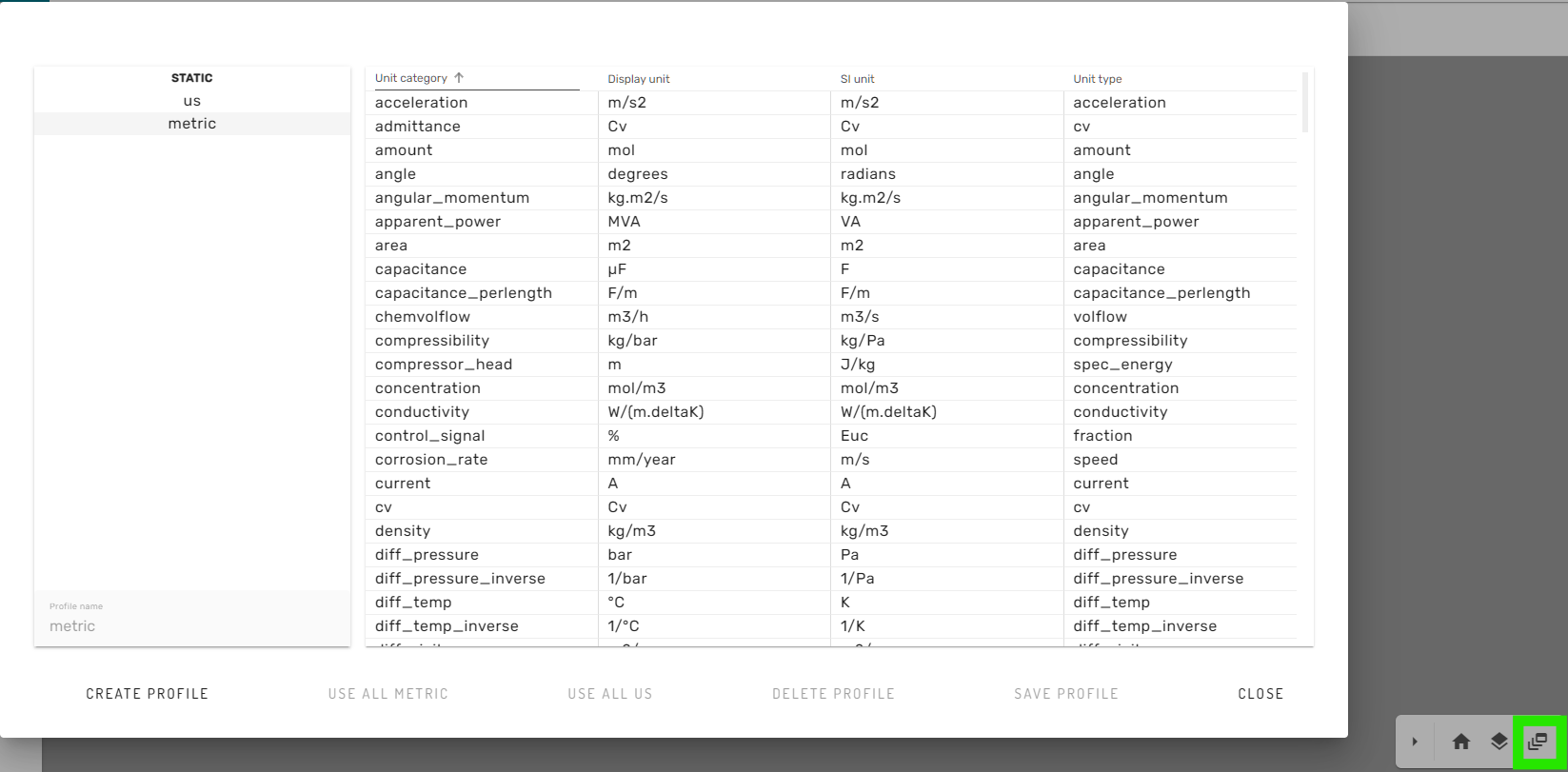
Here, the user can choose from a set of pre-defined unit-profiles (for example Metric or US units).
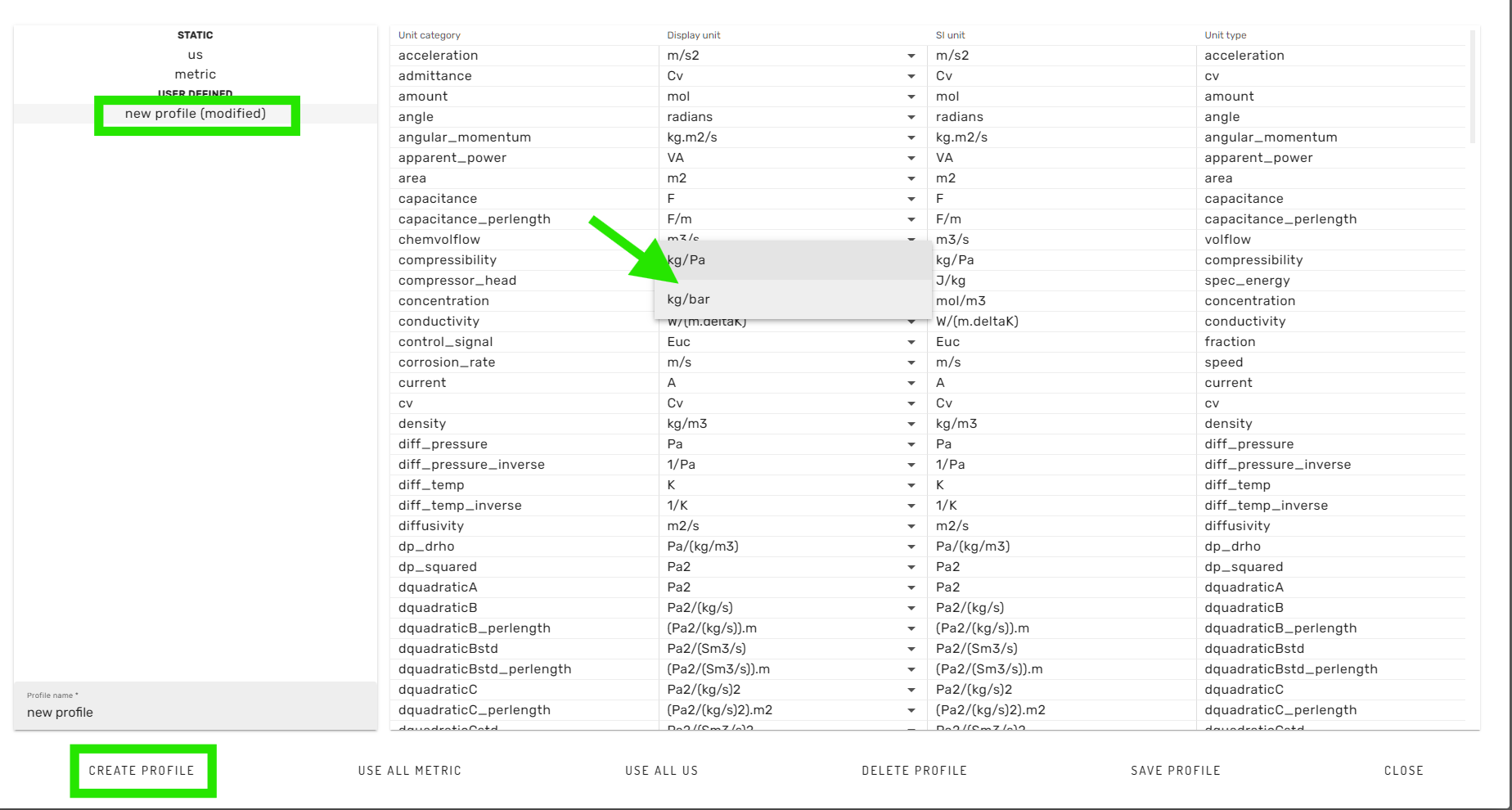
Furthermore, custom changes to the predefined unit-profiles can be made, when creating a new profile by clicking on the "CREATE PROFILE" button in the lower left corner. Then, the new profile can be selected in the list on the left hand side. Subsequently, changes can be made to the display units by using the dropdown dialogs for available units. Finally, the newly created unit profil can be saved with a new name, and is then available for the simulation workflow.