Integration with Kognitwin
If the simulation workflow is enabled in Kognitwin, it can also be accessed from other workflows through the typical Kognitwin Context menus.
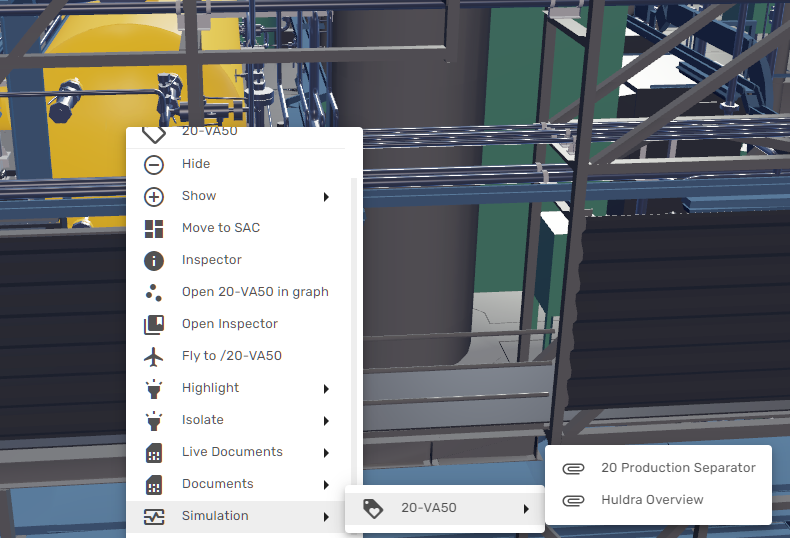
The following example shows how the simulation graphics can be reached from a separator in 3D, by using the right-click context menu:
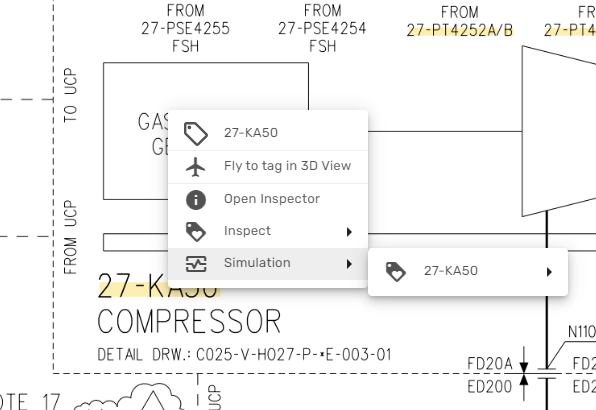
In the same manner, the simulation can be accessed from live Process and Instrumentation Diagrams and other documents that have been contextualized in Kognitwin:
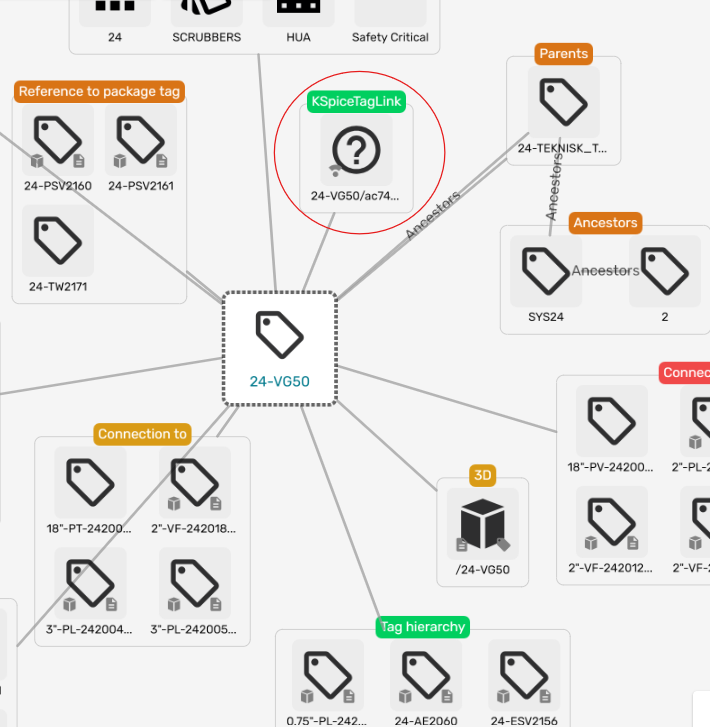
The user can also explore the exact tag relations using the Kognitwin Graph View. Here, the time-series tags produced by the Simulation show up as a separate collection item in the EDW tag view: