Downloading Project
Several places in the What-If Configuration Dialog and in the admin portal allow the user to download simulation files.
When pressing on a corresponding download button, Kognitwin will in the background create an archive for downloading. Depending on the size of the files that are to be downloaded, this may take some time.
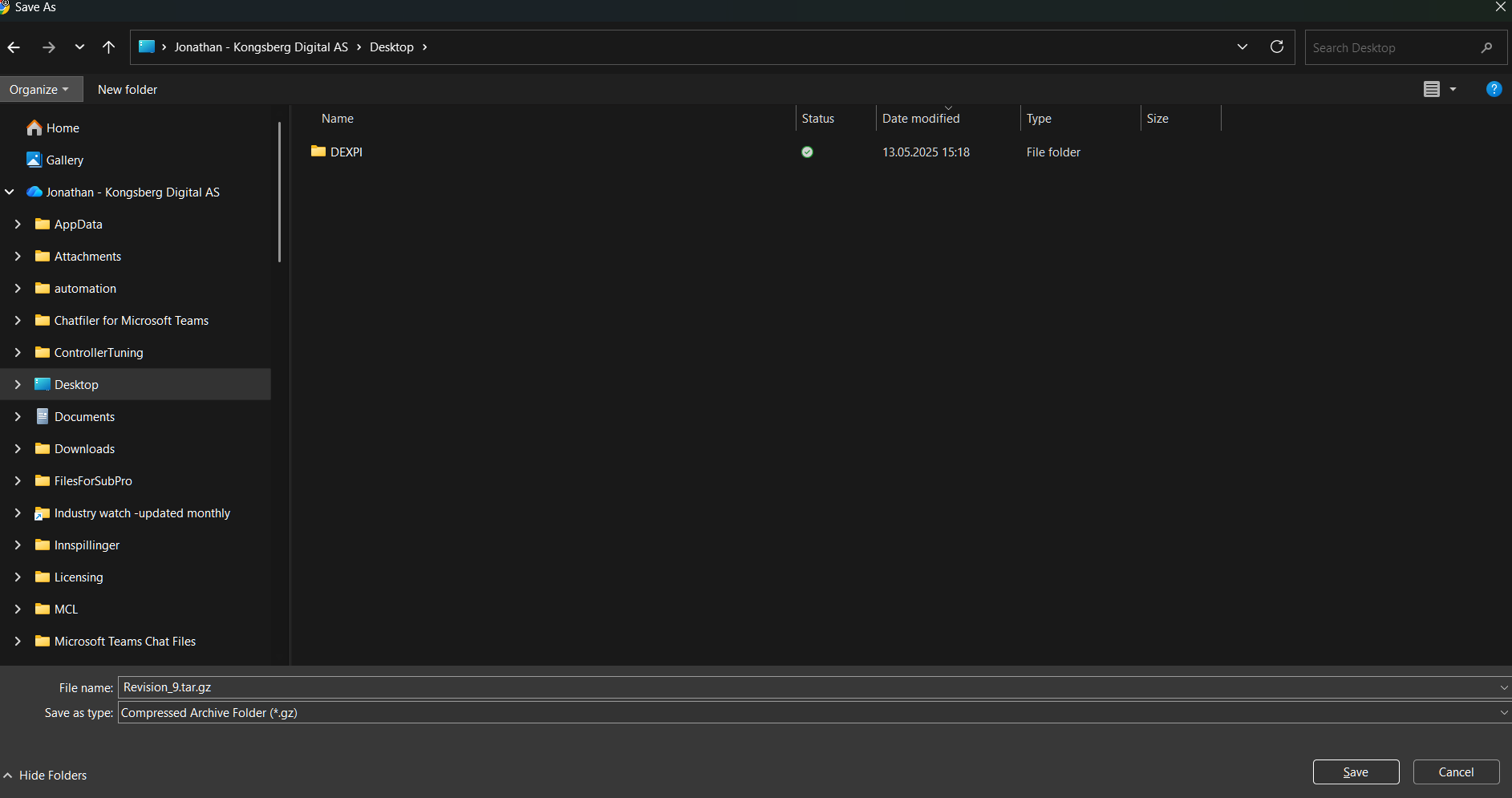
Once the archive is ready, the user might be prompted to select a location for saving the file, or the browser will use the default download location.
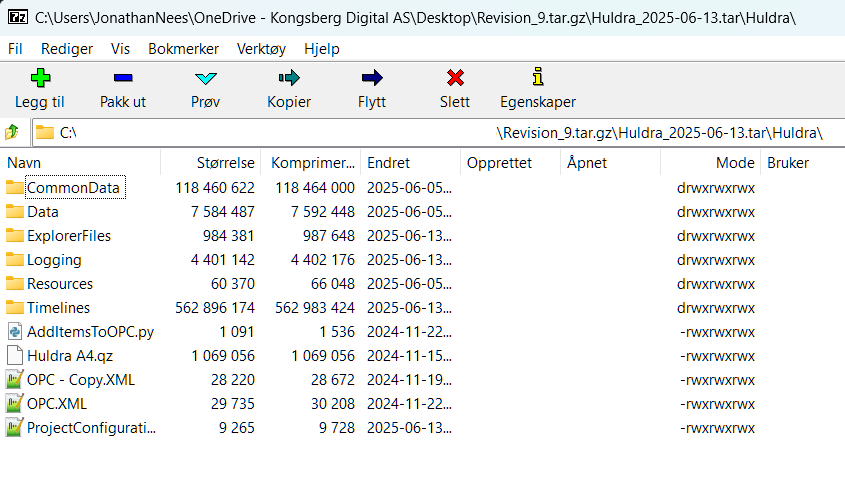
Once the download is complete, the user should have a .tar.gz archive available. We recommend using 7zip in windows for browsing and extracting files from the archive.