Always-On Model
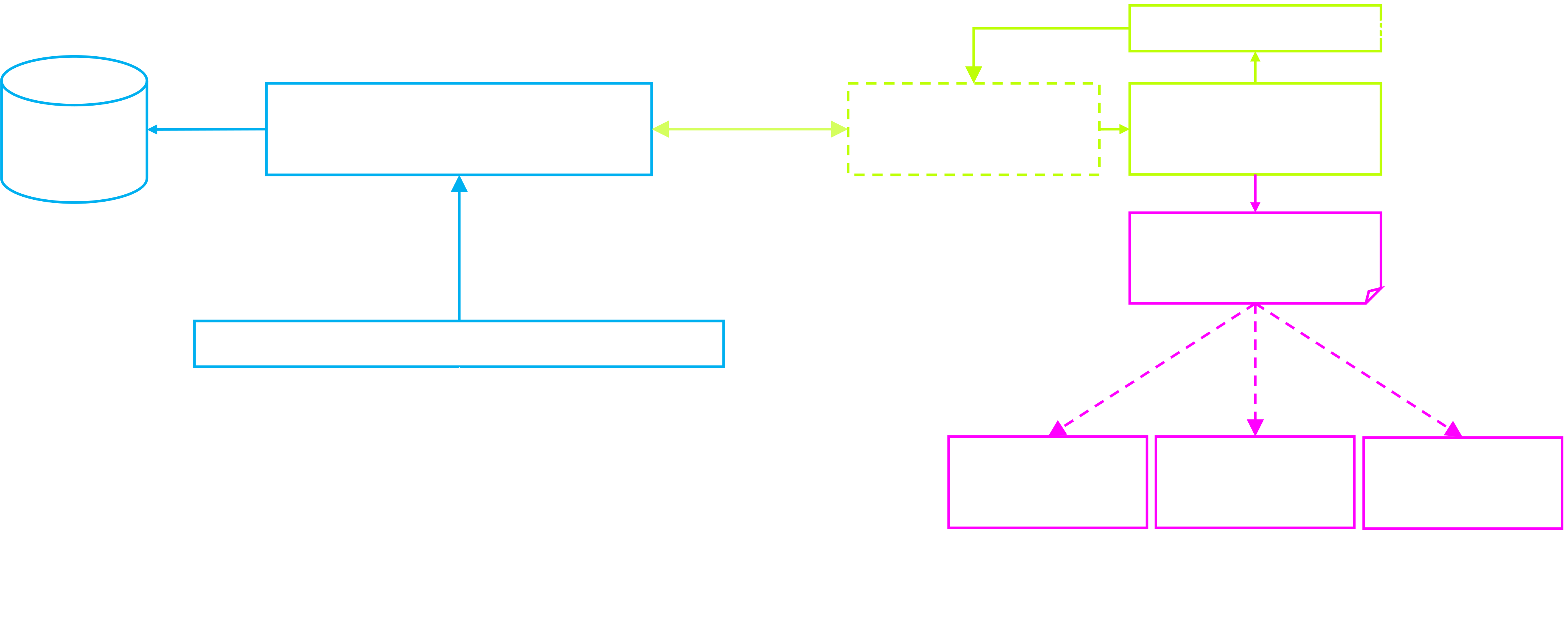
The Always-On Model represents the physical asset as close as possible. It consumes time-series data through the common Kognitwin Time-Series Endpoint to define boundary conditions (e.g. Battery Limits of the simulated process scope, Valve Positions, Controller Setpoints etc.).
The Always On model provides virtual sensors, realtime plant insights and generates snapshots, that can be used for What-If, Re-Play and Look-Ahead simulations.
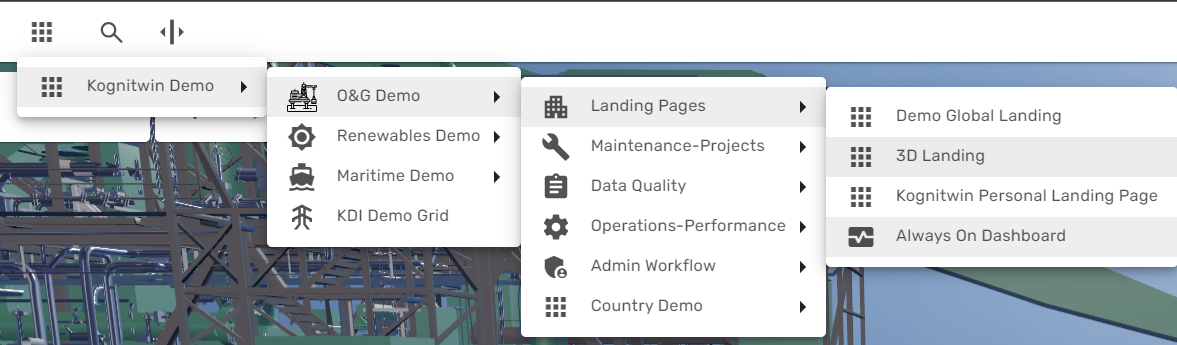
An overview for the main Always-On model instance is provided through the simulation dashboard. It is available from the main menu, typically called "Always On Dashboard":
 s
s
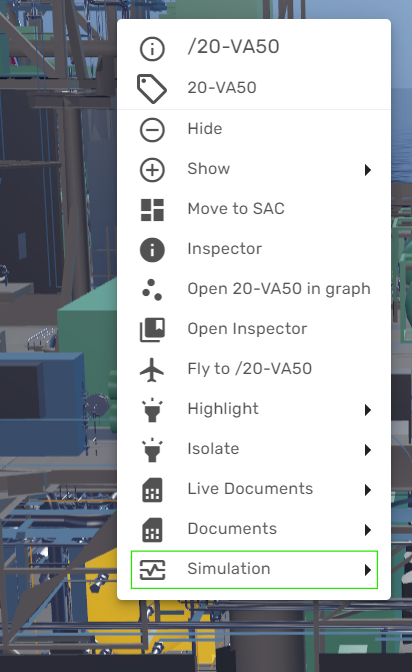
If the simulation workflow is enabled in your environment, you can at any point open the right-click context menu for a specific object or tage (for example from 3D or from a P&ID) and fly to the corresponding tag in the Always-On Dashboard: